💬 Discord
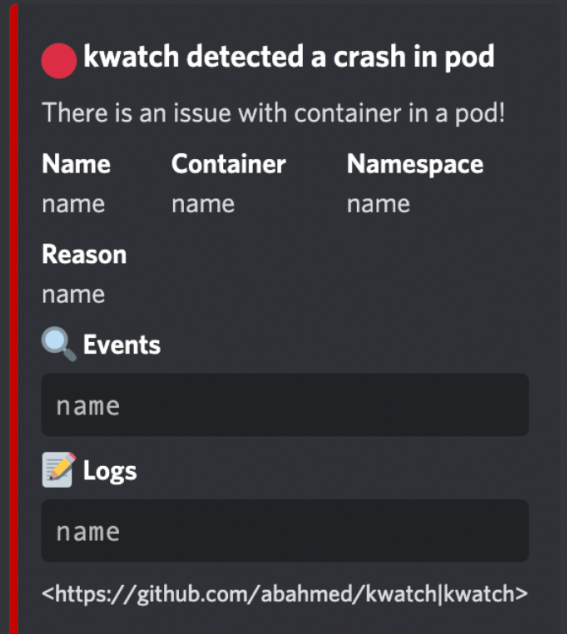
Use the interactive kwatch manager to configure Discord alerts. It stores credentials in Kubernetes Secrets and verifies the installation. The configuration fragments below explain provider settings; they are not separate installation steps.
| Parameter | Description | Required |
|---|---|---|
alert.discord.webhook | 🔗 Discord webhook URL | Yes |
alert.discord.title | ✏️ Custom title | No |
alert.discord.text | ✏️ Custom text | No |
Configuration example
alert:
  discord:
    webhook: "${file:/config/discord-webhook}"
    title: "optional customized title"
    text: "optional customized text"
Routing
alert:
  discord:
    webhook: "${file:/config/discord-webhook}"
    routes:
      - namespaces: ["production"]
        severities: ["high", "critical"]
      - reasons: ["OOMKilled"]
Retry
alert:
  discord:
    webhook: "${file:/config/discord-webhook}"
    retry:
      maxAttempts: 5
      delay: 5s
Fallback
alert:
  discord:
    webhook: "${file:/config/discord-webhook}"
    fallback: <another_provider>
Compact mode
alert:
  discord:
    webhook: "${file:/config/discord-webhook}"
    compact: true
Screenshot